
Recently, we paid several hundred dollars for an API key leak we didn’t know had happened.
It started with an ordinary code commit. While writing code, an agent put our OpenRouter API key into a document in the repository and committed it to GitHub. It sat there for a full week. Someone then used it without our permission, running up several hundred dollars in charges.
We received no warning at any point. We only found out when we saw the bill. Thankfully, we caught it before the damage grew any further.
What bothered me most wasn’t just the money. The agent had read the key, written it into a document, and committed it to the repository, all without us noticing. We’re experienced developers, and we still got caught out. What about everyone else?
Hi, I’m Kane, founder of Linkly AI.
When I wrote our 1.0 launch post, I said we wanted to build a personal context hub, making it easier for AI to use the material people have collected over the years.
Now there’s something else we need to do better: when that material is handed to AI, people should still know what’s happening and remain in control.
That’s the next step we’re taking with Linkly AI 1.5. We’ve built the gate. Now we’re adding a watchdog.
Agents need context, but they don’t need to know everything
AI agents need our personal context to get work done. The more they understand our files, experiences, and current work, the more likely they are to produce something useful.
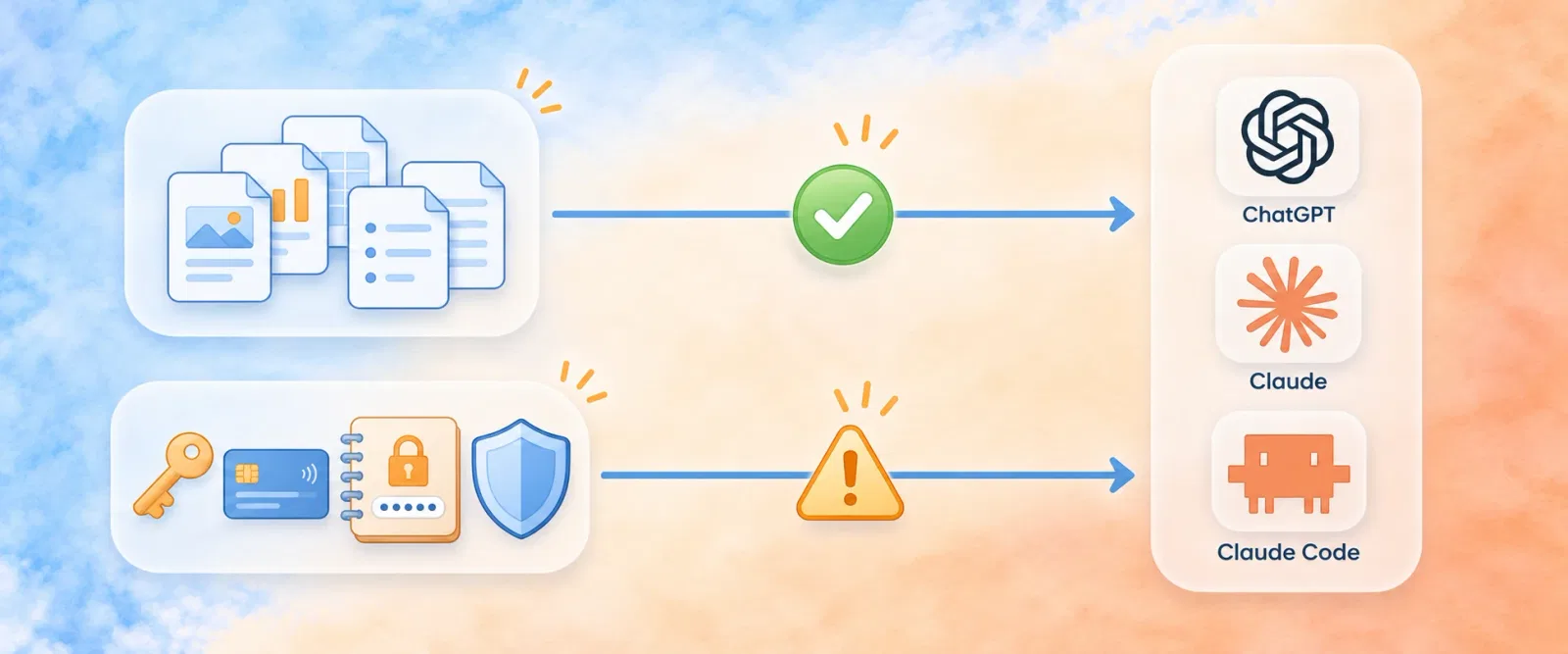
But not every file on our computers belongs in an AI’s hands.
People keep Google account recovery codes, company registration documents, bank card details, and even crypto wallet seed phrases on their computers. Those details might be tucked into an ordinary document in the same folder as their work files. Nobody can remember which few lines in which files contain secrets across hundreds of gigabytes of material.
A friend told me that one day, he discovered Muse had been repeatedly reading his diary. It held deeply personal information, and he hadn’t known it was being read. I understand why that felt unsettling.
That’s the problem: we want agents to work proactively, but it’s hard to know what they’ve read along the way.
When we also use third-party model providers, it becomes even less clear where our data goes or how it’s retained. Rather than assume every step deserves our trust, we’d prefer that secrets a task doesn’t need never get handed over in the first place.
Hide what we can, and tell people what’s already been read
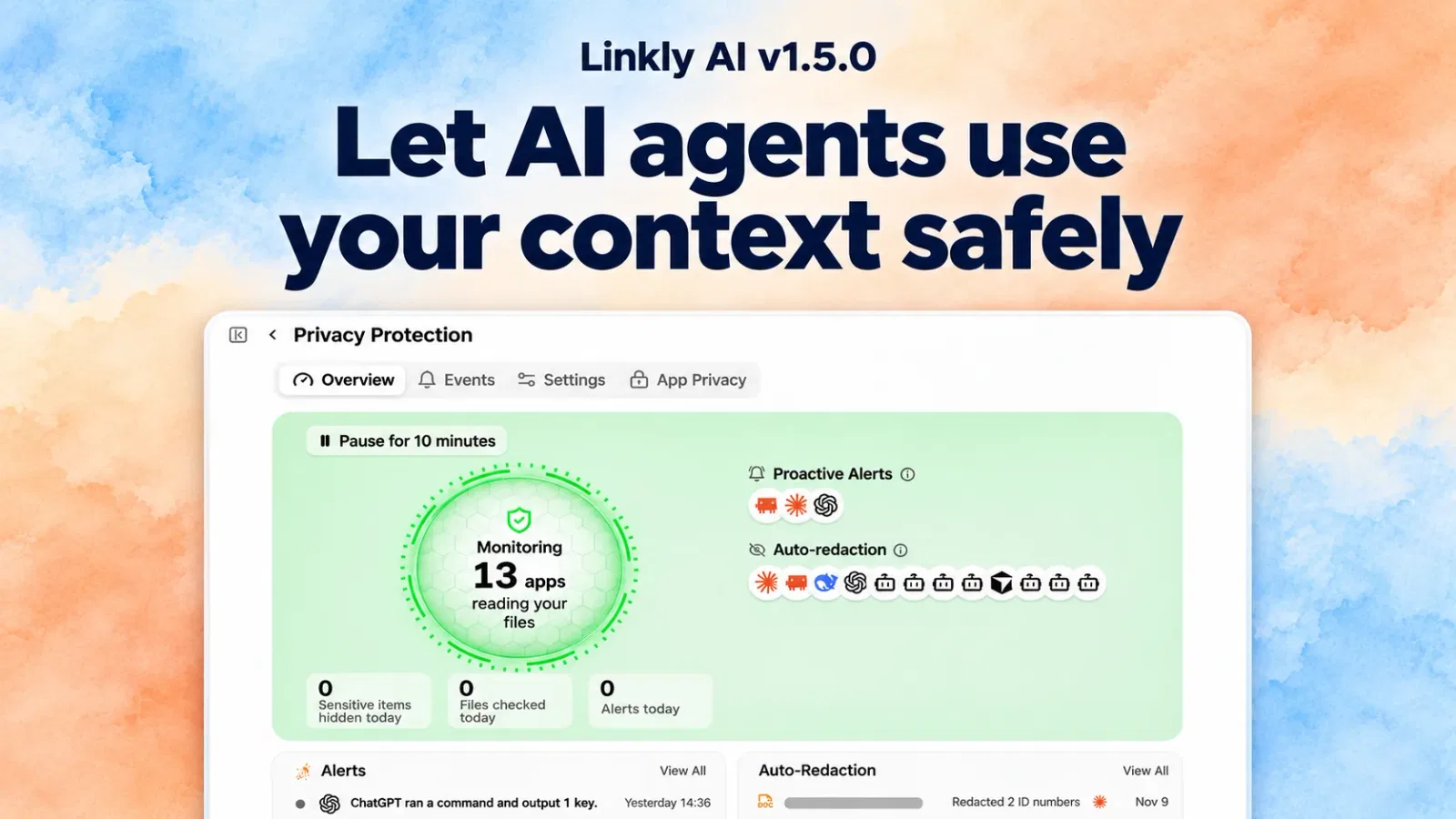
In 1.5, we’ve made Privacy Protection a dedicated feature. It does two main things.
The first is automatically hiding sensitive information.
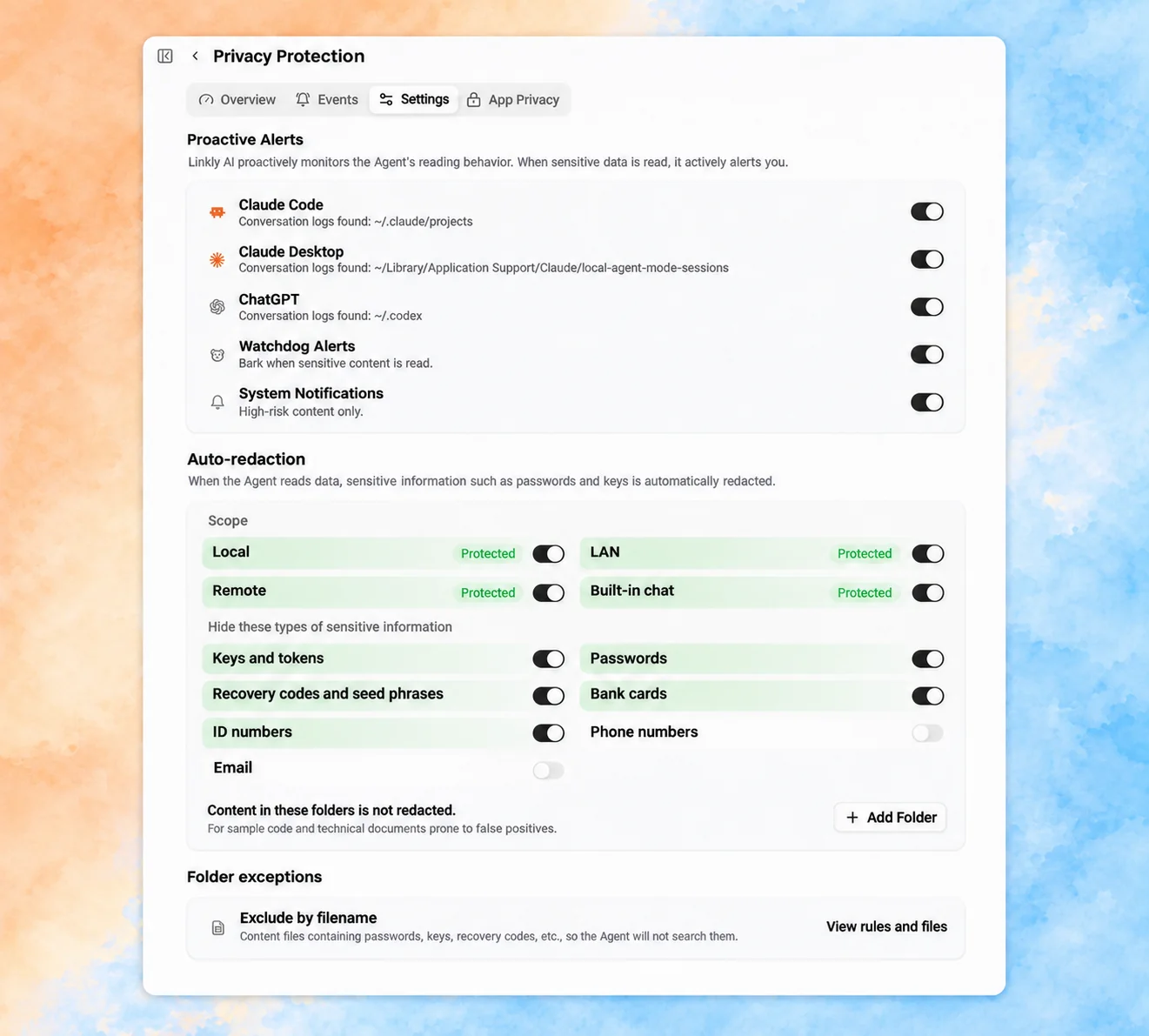
When an agent reads material through Linkly AI’s MCP or CLI, the local app identifies and replaces sensitive information before returning the content. It currently recognizes more than 200 types, including keys, passwords, recovery codes, seed phrases, bank card numbers, and ID numbers. There are also switches for categories such as phone numbers and email addresses, and we’re continuing to expand coverage.
The idea is simple: give agents the context they need while reducing unnecessary exposure of sensitive information. You can choose which categories to protect and set exceptions for specific folders.
There’s a clear boundary, though. Automatic redaction protects content returned through Linkly AI. If an agent reads a file directly with its own tools, that protection isn’t in the path.
That’s why we built the second part: proactive alerts.
Once you enable monitoring for an app, Linkly AI checks new local session records from Claude Code, Claude Desktop, and ChatGPT (Codex). If a tool result or command output contains sensitive information, it records the event and alerts you according to the risk.
I want to be clear: these alerts happen after the read, and the content may already have reached the model. They can’t undo that read or decide for you whether a key needs replacing. What we want to establish first is this: if it happened, you should know.
Had we received an alert when our OpenRouter key was read, we would at least have had another chance to investigate and act, instead of waiting for the bill.
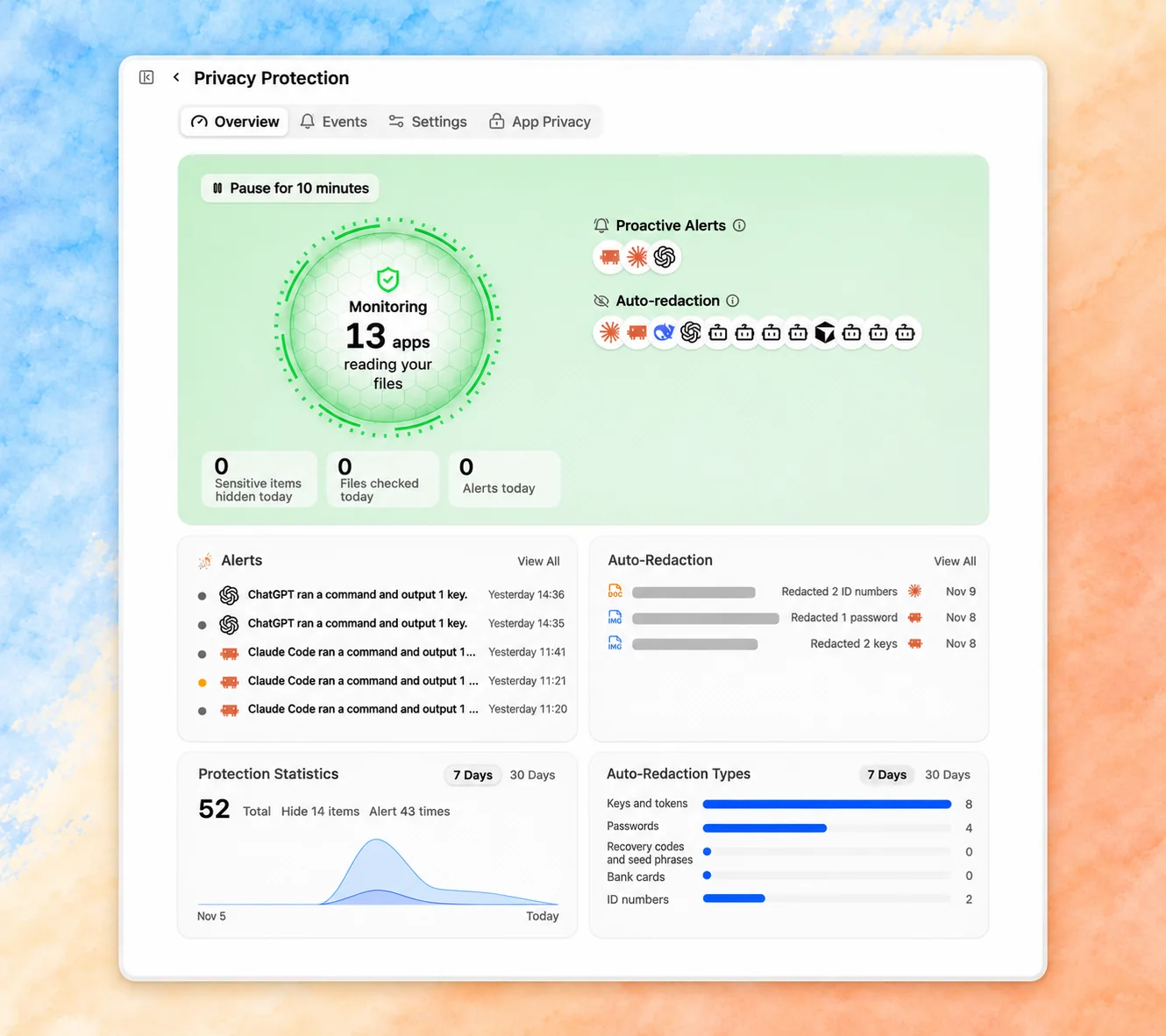
On the Privacy Protection page, you can see which apps are using your material, which sensitive information has been hidden, and what’s happened recently. The controls are here too, so you can adjust them whenever you need to.
An account suspension nearly cost me hundreds of creations
Another experience made me think about control over our data from a different angle.
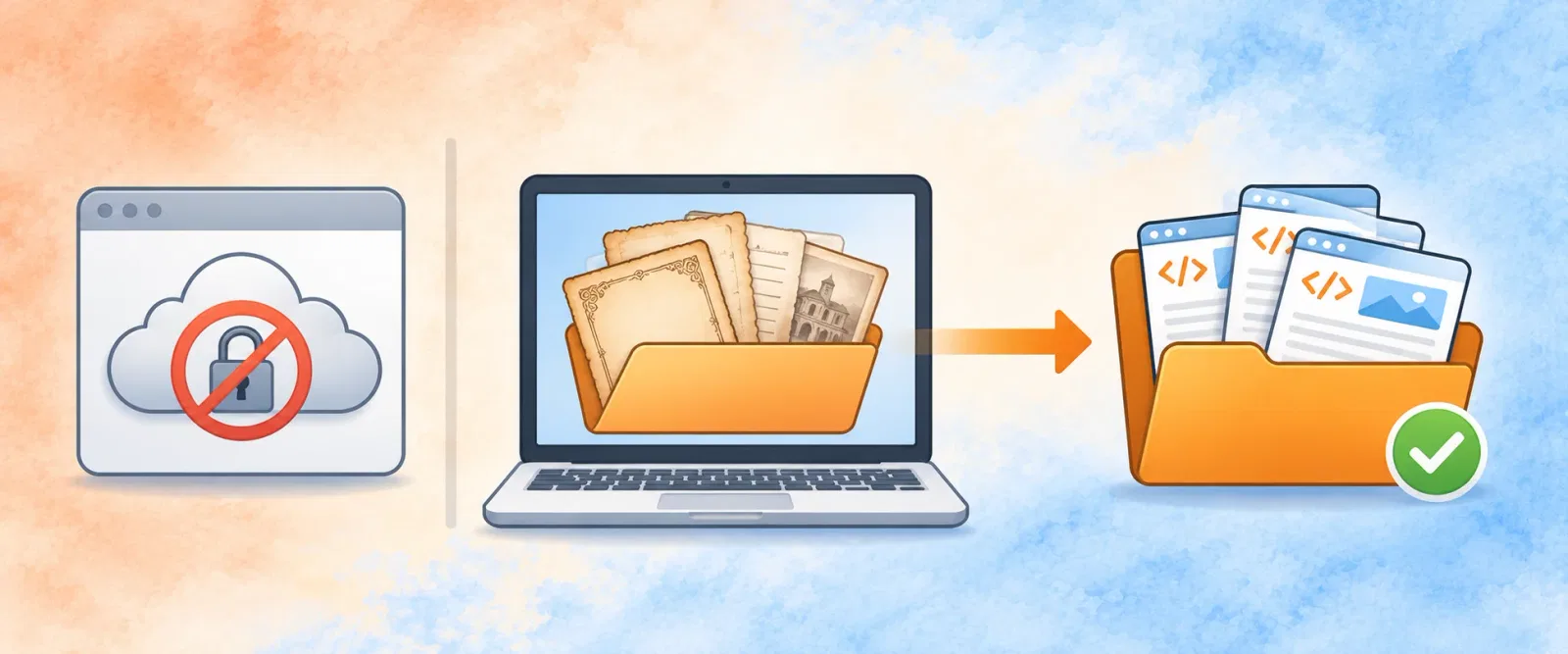
A Claude account I’d used for a long time was unexpectedly suspended. I’d accumulated hundreds of HTML files there: everyday documents, prototypes, and web pages. Once I couldn’t use the account, I couldn’t return to those conversations to view or download them either.
I’d made the work, but whether I could open it again wasn’t up to me.
I’d always known backups mattered. Still, I assumed the files were in the conversations and I could find them when I needed them. This brought home how work accumulated over time could suddenly become unreachable because of a change to an account.
We eventually recovered those files. We built Creations and collected them again from the historical sessions still stored on my computer.
I was relieved. It also made me more certain that we should keep a copy of AI-generated work ourselves. Recovery depends on records and files still being available locally; not everything lost can be recovered. It’s better to save things automatically when they’re created than scramble for a solution after access is gone.
Turn AI creations into context for the next task
We often use several agents to get work done now. We generate images in ChatGPT, build a web prototype in Claude, and ask another agent to organize a document. The more we use them, the more scattered the results become.
So Creations starts with something straightforward: bringing that work together in one place.
Once you enable collection, Linkly AI keeps finding and backing up generated files from supported local AI app records and output folders. It currently supports Claude Desktop, Claude Code, and ChatGPT (Codex), collecting documents, presentations, spreadsheets, HTML, images, and more.
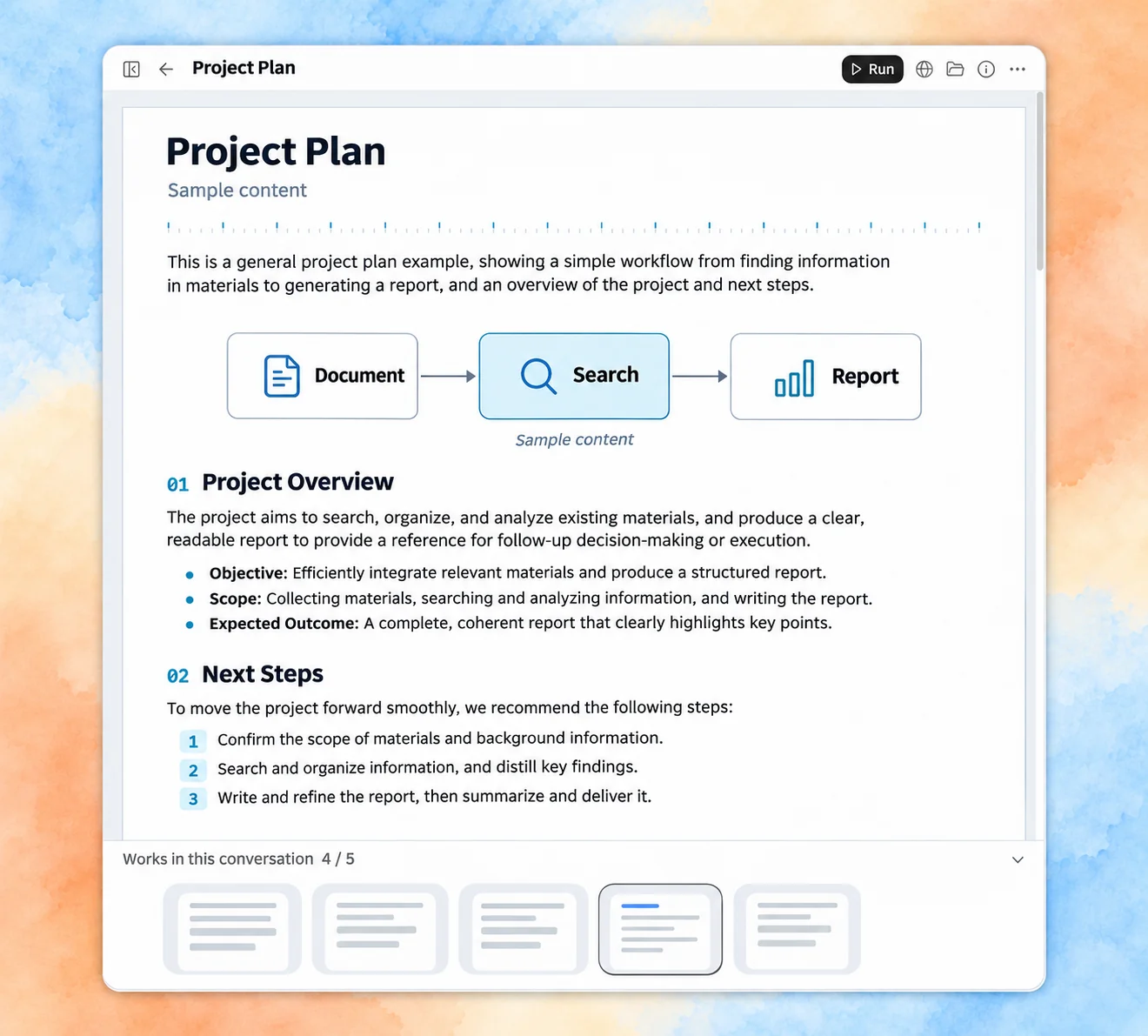
You can filter by source agent or file type, or search by title, conversation, or project. Collected HTML can be previewed and run directly, and multiple creations from the same conversation can be viewed together.
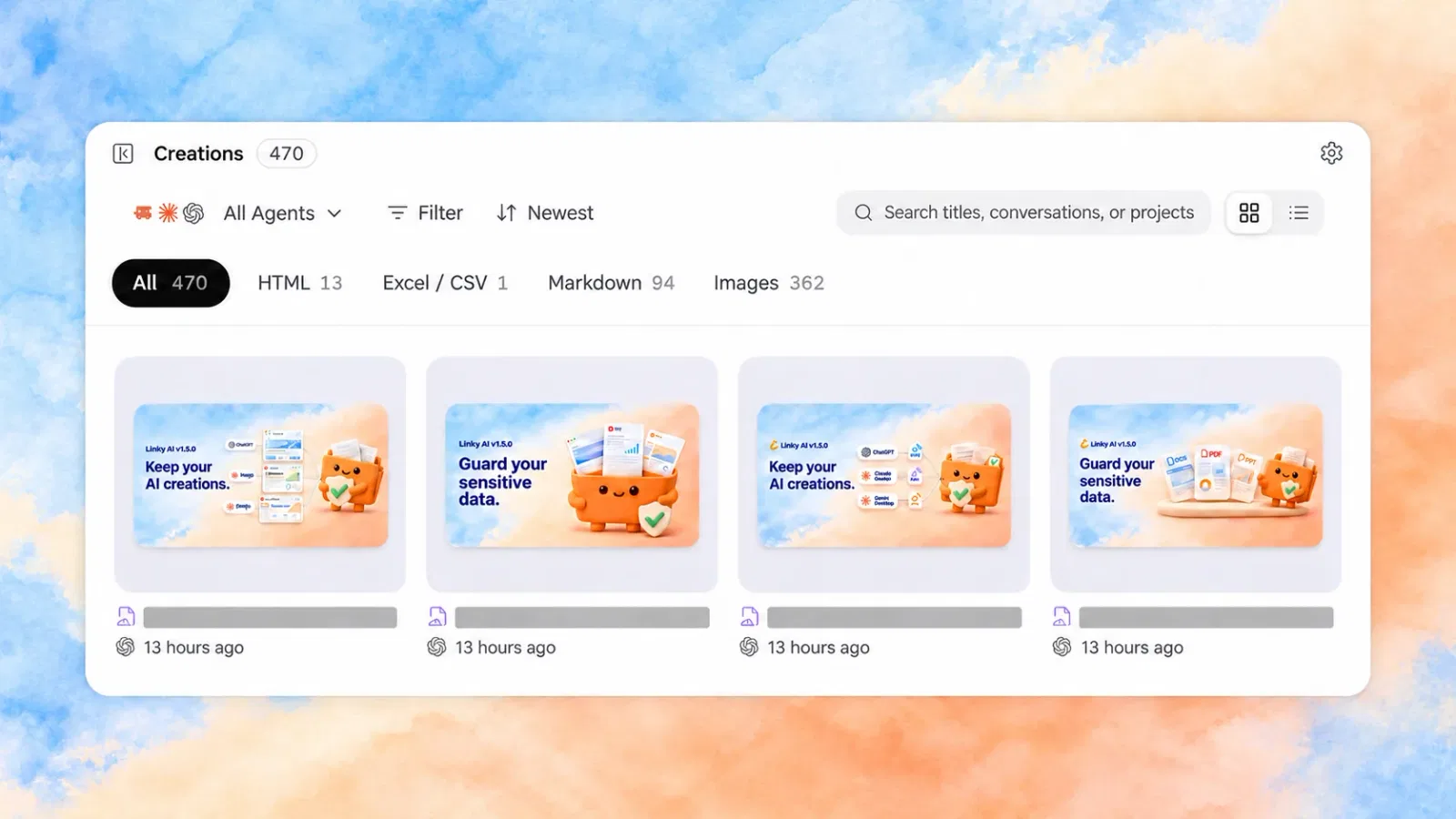
More importantly, once these files are in your local library, they can be indexed, searched, and used as context by agents again.
For example, a web prototype made in Claude can later be found, read, and revised by a different agent. Work doesn’t have to be forgotten when a conversation ends, or stay tied to the app and account that first produced it.
Collect material, let AI use it, then bring the output back so it can be used again. To me, that fills in another missing piece of personal context management.
We also got a watchdog
We tried something a little different this time: a desktop pet.
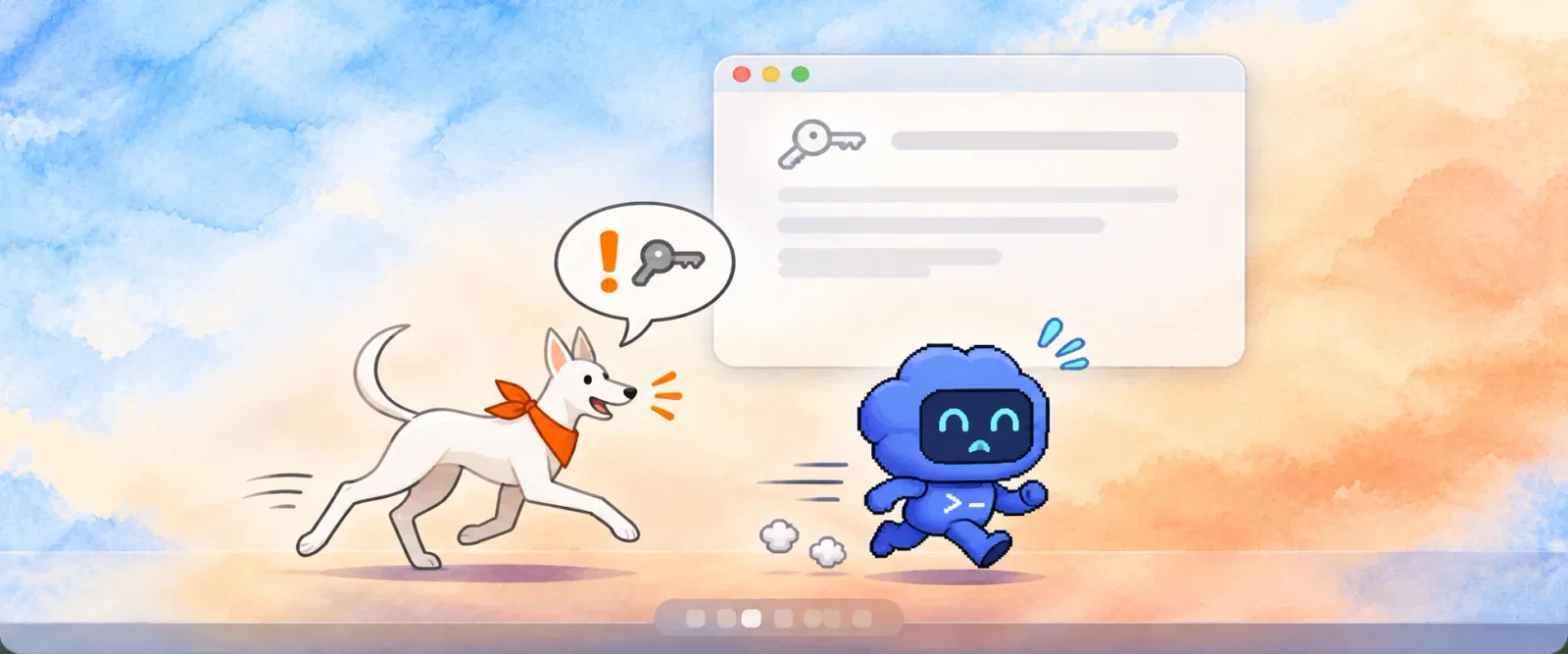
Data access is usually invisible. I wanted a more expressive way to bring it to your attention. The pet can tuck itself along the edge of the screen, show a bubble when something needs attention, and bark when the risk is higher.
If you also use ChatGPT’s desktop pet, our watchdog can even chase it when we detect ChatGPT reading high-risk content.
We like the playfulness of it. We want Linkly AI to act like a watchdog, keeping an eye on how your data is being used. It won’t make every decision for you, but it can call you over when something happens.
Transparency is more reliable than promises
There’s a question we have to answer here: Linkly AI itself reads files and local sessions. Why should users trust us?
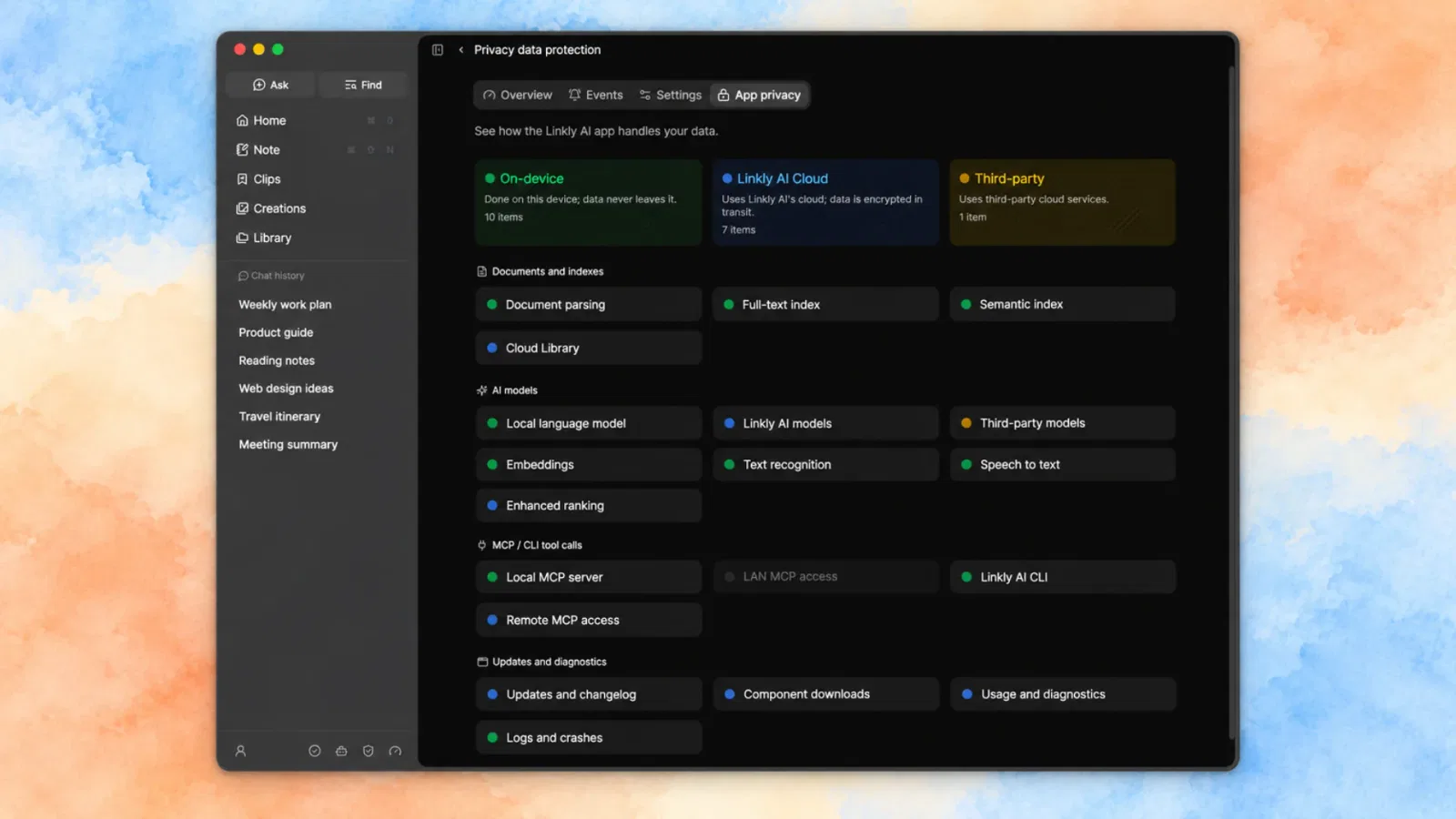
We have to hold ourselves to the same standard.
Linkly AI can be used offline. The local detection, redaction, and proactive alerts described here all run on your computer, and they’re free. Checking for sensitive information shouldn’t require sending it to another cloud model.
We’ve also added an App Privacy page within Privacy Protection, explaining how each feature handles your data. You should be able to understand which processing happens locally and which features need the cloud.
Transparency is more reliable than promises. A context management tool can’t claim to protect people’s data while keeping its own handling of that data opaque.
From 1.0 to 1.5, we still want AI to make better use of the knowledge each of us has built up. Our understanding of that job has grown: beyond collecting material and passing it to agents, we need backups, protection, and informed users.
If you use agents every day to read files, write documents, and create web pages, download Linkly AI, open Privacy Protection, enable alerts for the agents you use, and bring your existing creations back to your computer.
We let AI know more about us so it can help us better. Control over our data should stay in our hands throughout.