
LinklyAI Help Doc is the official help documentation knowledge base for the Linkly AI product, designed to provide users with a complete product usage guide, tool reference, and integration solutions.
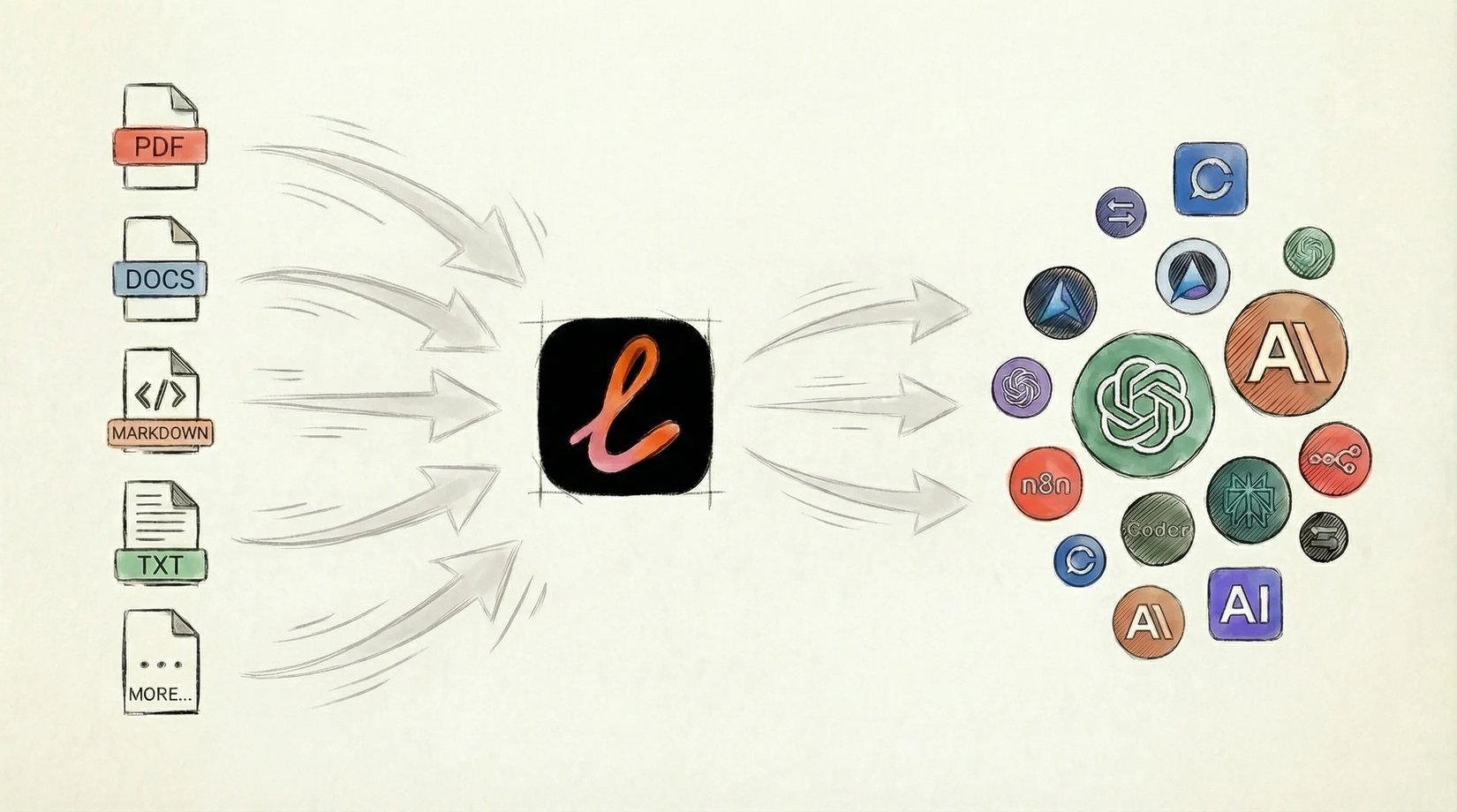
Background Information
This knowledge base is maintained by Linkly AI and is a public product knowledge base primarily aimed at users who use Linkly AI for local document management, AI search, and intelligent assistants. The content covers the entire process from basic installation to advanced features, helping users get started quickly and fully leverage Linkly AI's capabilities.
Main Content
The knowledge base revolves around Linkly AI's core functionalities and mainly includes the following topics:
- Agent Setup and Integration: Provides installation, integration, and verification guides for AI agents, helping users connect Linkly AI with various AI assistants.
- Desktop Application and Chatbot: Introduces how to use the chat feature in the desktop application, allowing AI to search local documents and provide answers with citations.
- Search and Query Strategies: Explains the principles of BM25 + hybrid vector search in depth, as well as how to use advanced search syntax (e.g., shortcut keys
⌘ ⇧,⌘ ctrl) to improve query efficiency. - MCP Tools and Command Line Interface: Details the nine tools exposed by Linkly AI's MCP server (including
list_libraries,explore,search, etc.), as well as the CLI's remote search and local file retrieval capabilities. - Product Updates and Basics: Records version release information and feature updates through changelogs, while providing practical tips in the form of "💡 tips".
Documents within the knowledge base are organized by topic in folders such as references, use-cases, and integration for convenient reference.
Representative Materials
- changelog: Product update log, showcasing key version information such as the release of cloud embedding in v0.12.0.
- mcp-tools-reference: MCP tool reference document, listing all read-only tools and their purposes.
- tools-intro: Introduction to MCP tools, explaining how these tools provide document search, browsing, and note-taking capabilities for AI assistants.
- SKILL: Describes Linkly AI's capabilities as an AI skill: searching, browsing, reading, and taking notes in user documents.
- agent-setup: Agent setup guide, instructing users on how to let AI agents automatically complete the installation, integration, and verification process.
- cli-reference: CLI reference document, explaining how to search local documents and associated cloud libraries from the terminal.
Target Audience
- Users of Linkly AI desktop application and CLI who want to quickly master product features.
- Developers and advanced users who wish to integrate Linkly AI into AI assistants or workflows.
- Technical personnel who need a systematic understanding of Linkly AI's search strategies, MCP tools, and agent configuration.