Changelog

What's new in Linkly AI. The full list of changes for every release lives in the docs.

v0.14.0


Thousands of Excel files, searched in one pass

Thousands of Excel files, searched in one pass


Linkly AI now supports Excel and CSV. To let an agent search the spreadsheet data on your machine, you no longer upload files one at a time — thousands of Excel files can be searched and compared where they are. We also reworked the built-in OCR: it now schedules recognition models to balance speed against quality, for an average speed-up of more than 3×.

Read the full post
v0.13.0


Indexing uses your graphics card, and old Word files are searchable

Indexing uses your graphics card, and old Word files are searchable

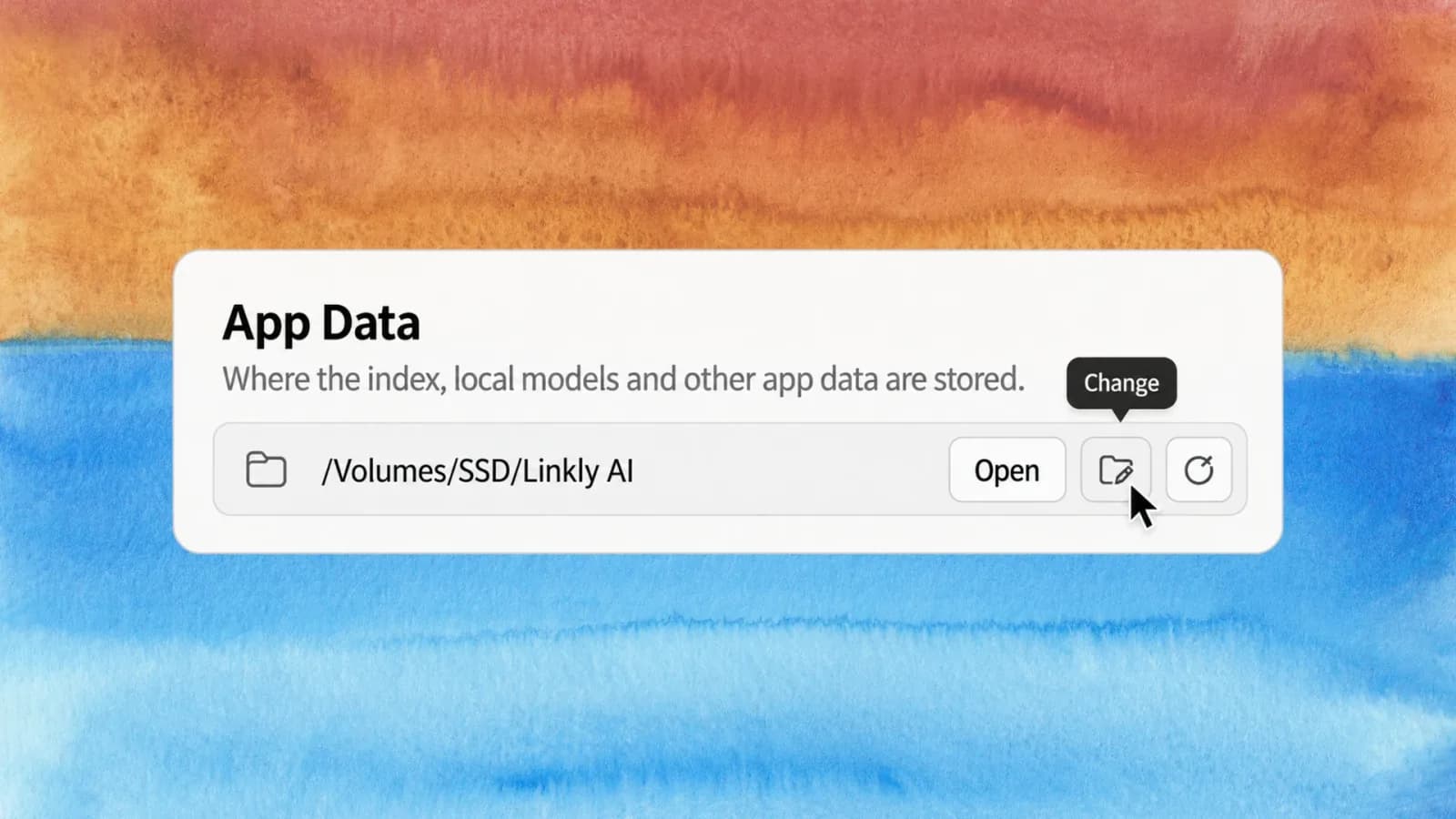
Semantic indexing on Windows and Linux now runs on your graphics card, which makes it considerably faster. Indexing work is also distributed by CPU core count, so the slow crawl large libraries used to settle into is back to normal speed.

System requirements moved back down in this release: macOS is supported from 13.4 again, and the Linux glibc baseline drops to 2.35. Machines that could not install the previous version because they were too old can install this one.

Read the full post
v0.12.1

Transcription moves to the cloud, notes gain six ways to read them back

Transcription moves to the cloud, notes gain six ways to read them back

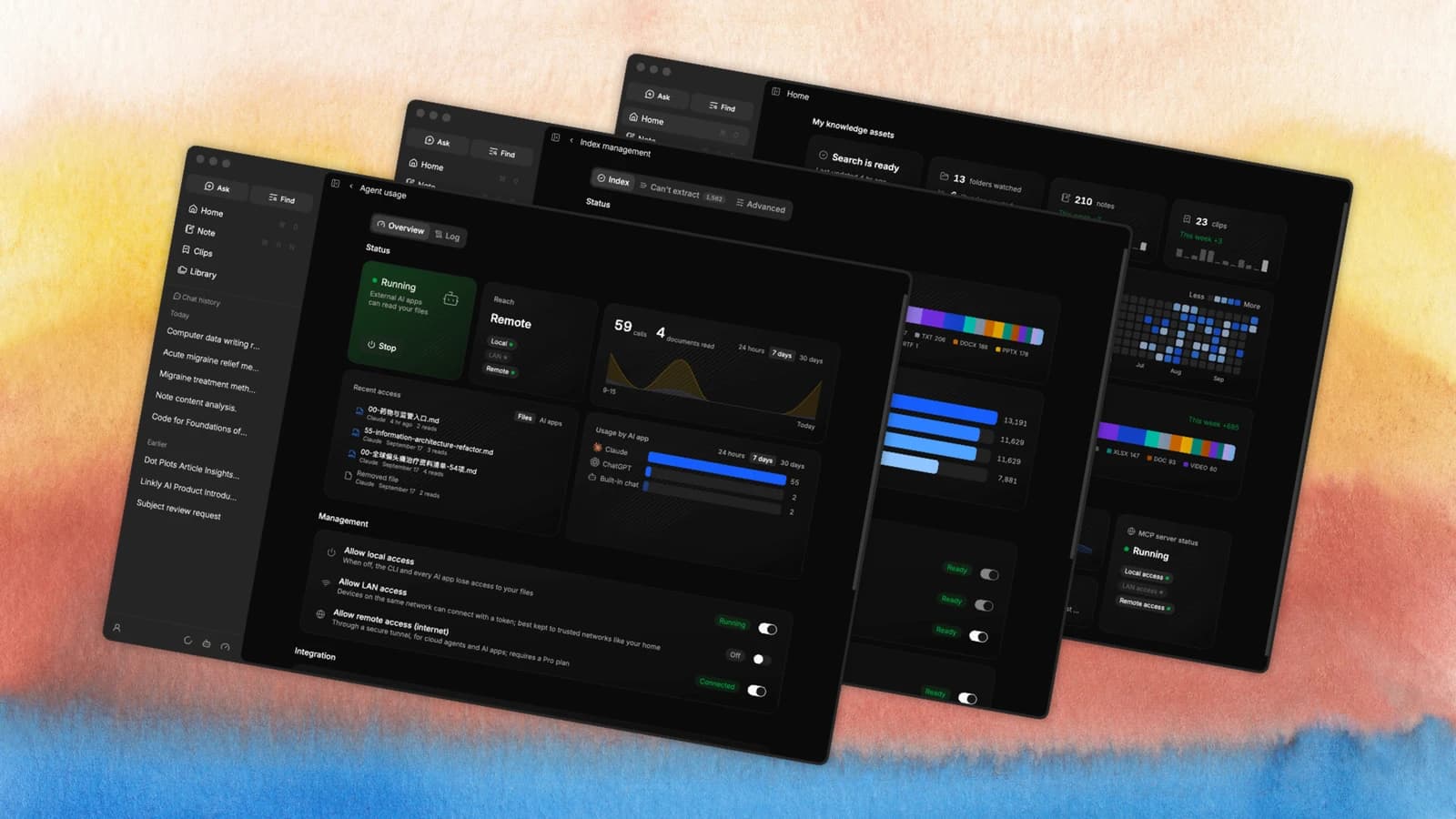
Audio and video transcription can now run in the cloud. Drop a meeting recording, a podcast or a video lecture into a library and it comes back faster and more accurate than the local engine manages, without spending your machine's resources. The same release brings six note insight skills — pick an angle and have an assistant read your own writing back to you.

This release requires macOS 15.0 or newer. On anything older the app no longer quits without explanation; it tells you why.

Read the full post
v0.12.0


Semantic search can run in the cloud now

Semantic search can run in the cloud now

Pro users can switch semantic indexing to the cloud. It is considerably faster, search results are sharper, and — the part you feel most — your own CPU and memory stop being tied up for long stretches. A large library can index in the background while you carry on working.

Local indexing is not going anywhere. It stays the default and stays fully offline; the cloud is a switch you can flip back at any time. This release also gave notes a timeline and a tag filter.

Read the full post