
You can now change where app data is stored
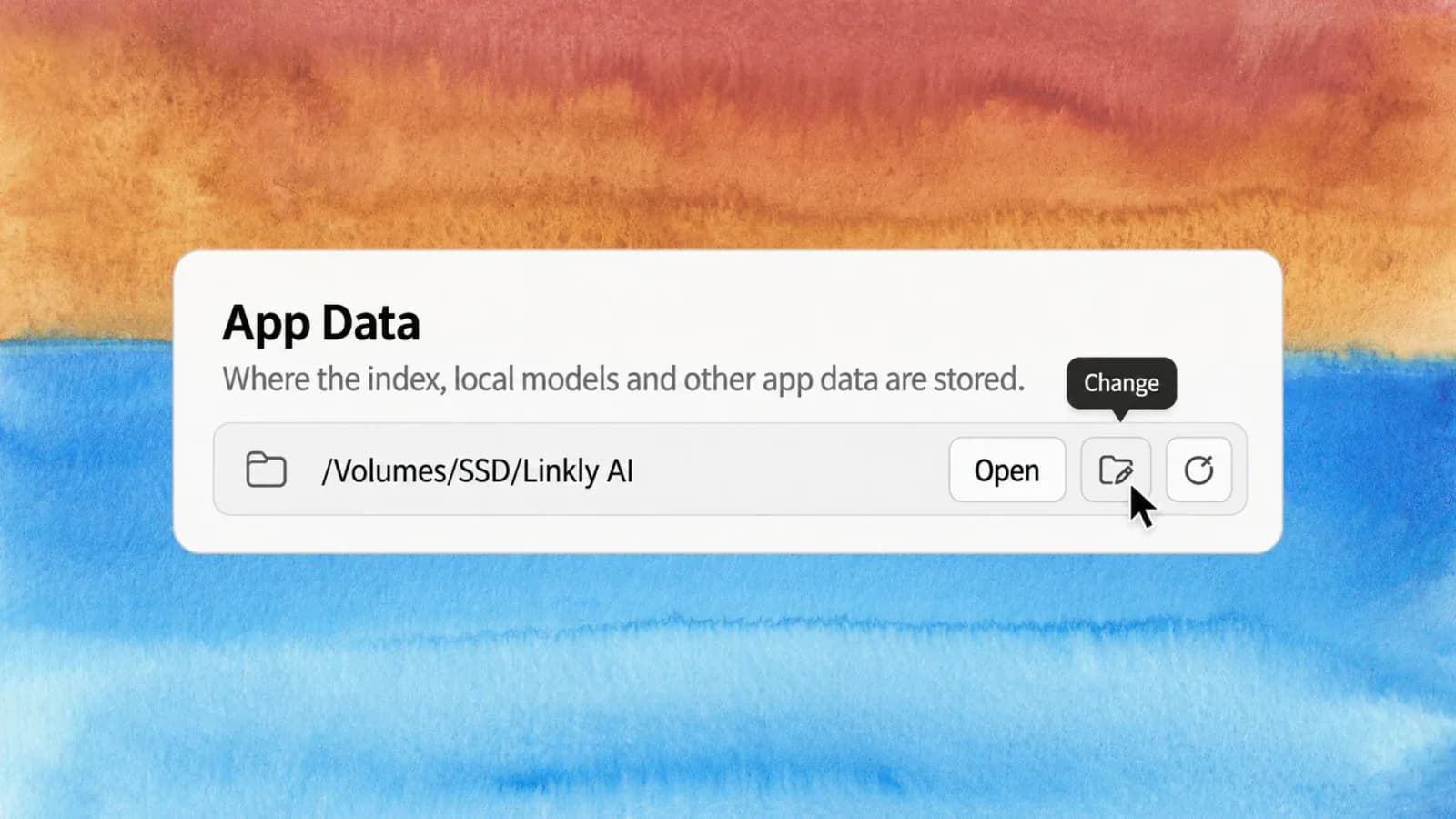
The index, local models and other app data take up a lot of disk space, and many of you asked to change the default location. It's here now, on Windows, macOS and Linux. Linkly AI is also now listed in Claude's connector directory.
1. Move your app data
Under Settings → General → App Data, click Change and pick a new location. The app restarts and migrates automatically: it copies the data, verifies it, and only cleans up the old location once the new one works. Progress is shown along the way, a failed move can be recovered, and if you want to move back later, click Restore Default.
2. Add Linkly AI straight from Claude
Linkly AI is now listed in Claude's connector directory. Search for Linkly AI there to add it, with no address to type in by hand.
3. Easier agent integration through the CLI
The Linkly AI CLI adds a linkly auth login command, along with clearer CLI help, updated skills and more. Connecting Linkly AI's MCP service to personal agents such as ChatGPT dots, Grok bot and Muse is now simpler: no more hunting for an API key to copy — just follow the prompts and click in your browser to sign the CLI in.
4. Other improvements
- Table of contents in document previews: headings are listed as an outline; click one to jump to that section.
- Note drafts save automatically: unsaved content is restored after an unexpected exit or restart.
- More accurate OCR: an upgraded layout model restores headings, paragraphs and footnotes in scans more accurately and filters out low-confidence noise.
- More model choices: the built-in chat adds Gemini, OpenCode Go and Xiaomi MiMo presets.
See the changelog for the full list.