
Transcription moves to the cloud, notes gain six ways to read them back
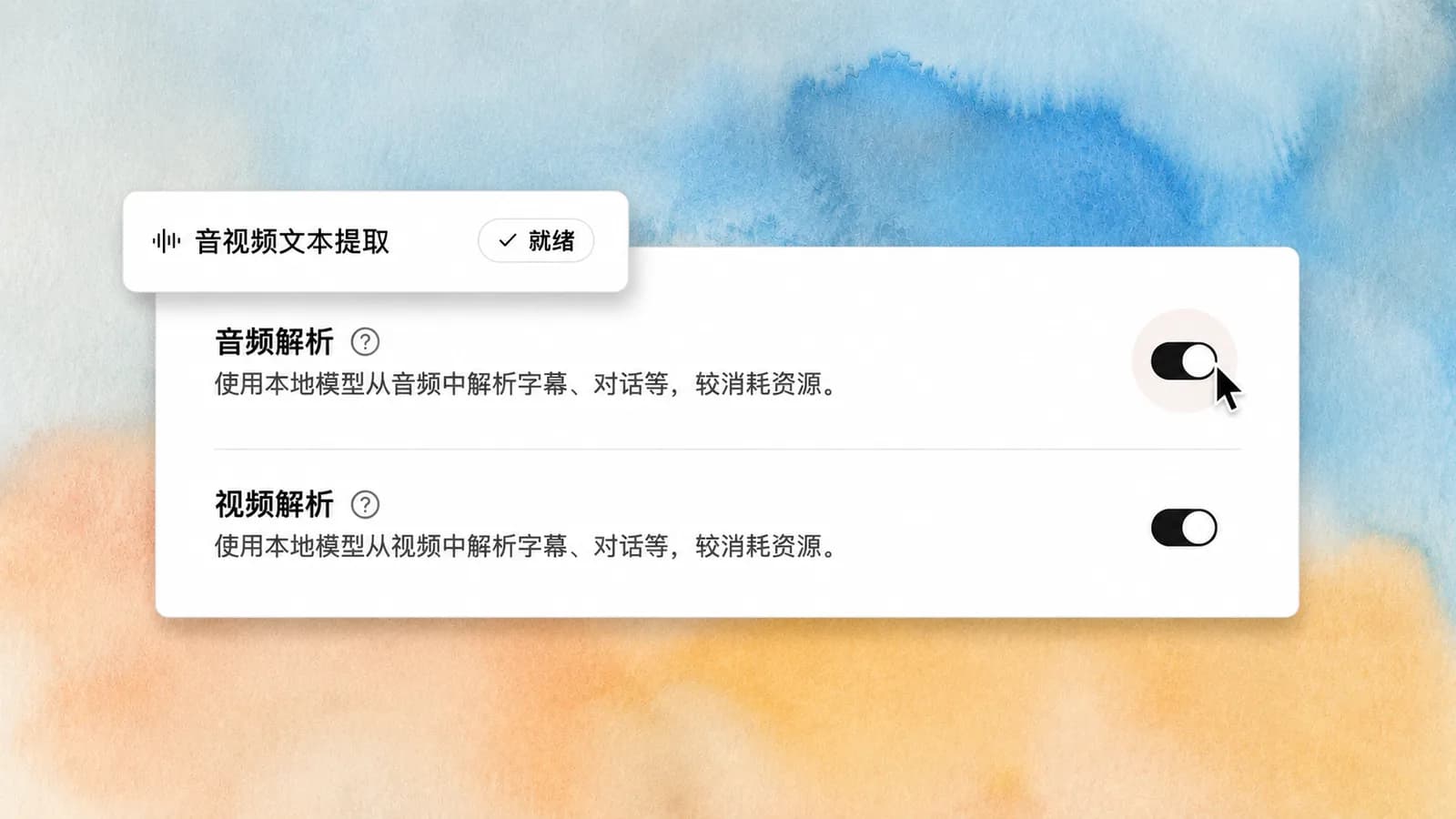
Audio and video transcription can now run in the cloud. Drop a meeting recording, a podcast or a video lecture into a library and it comes back faster and more accurate than the local engine manages, without spending your machine's resources. The same release brings six note insight skills — pick an angle and have an assistant read your own writing back to you.
This release requires macOS 15.0 or newer. On anything older the app no longer quits without explanation; it tells you why.
Turning on cloud transcription
Go to Settings → AI and switch audio and video transcription to the cloud. It needs a Linkly account with a Pro subscription.
A language the engine does not cover is now labelled Language not supported rather than lumped in with failures. The result is the same — no transcript — but you know whether retrying is worth anything.
Six note insight skills
Default insight, inverted thinking, CBT, values clarification, second-order thinking, and MBTI analysis. Point one at a batch of your own notes and it usually surfaces something you did not notice while writing them.
The skills sync to Codex and other mainstream agents too, so they are not limited to the desktop app.
Saving a note by asking for it
A built-in Save note skill arrives with this release. Say "note this down" or "save that to my notes" in a conversation and the content is written to your local notes verbatim — no copying and pasting.
Notes record which app wrote them
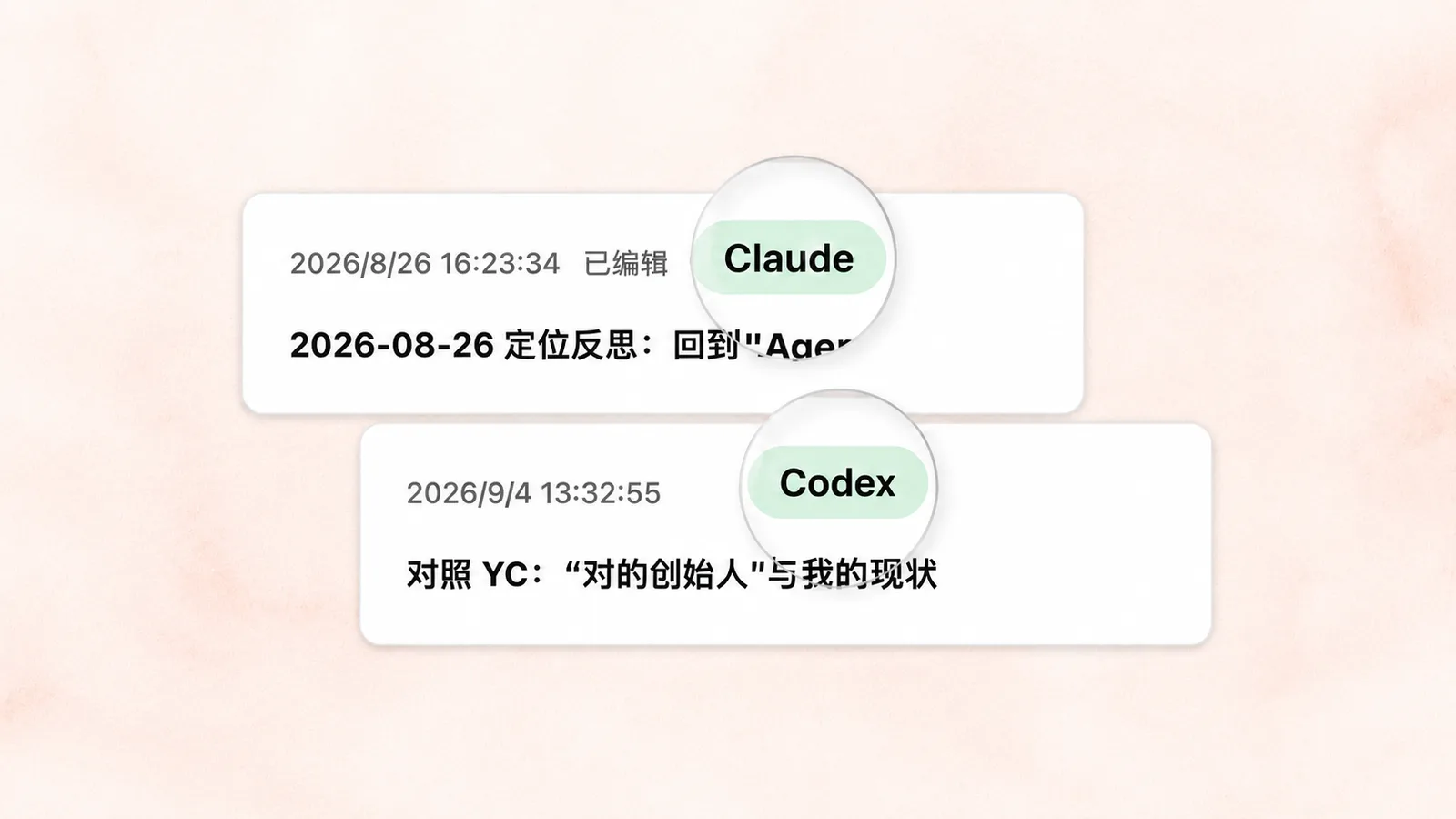
Notes written through MCP now carry the real application name on their source badge — ChatGPT, Claude and Cherry Studio each show as themselves. Coming back to a conclusion a month later, knowing who wrote it decides whether you verify it again.
Libraries can collect by tag
Add a tag filter on a library's page and matching notes and clippings join that library automatically, and keep joining as you write more. Clippings can also be tagged at the moment you save them, which is what makes the first part work.