
How Does Linkly AI Achieve Local-First?
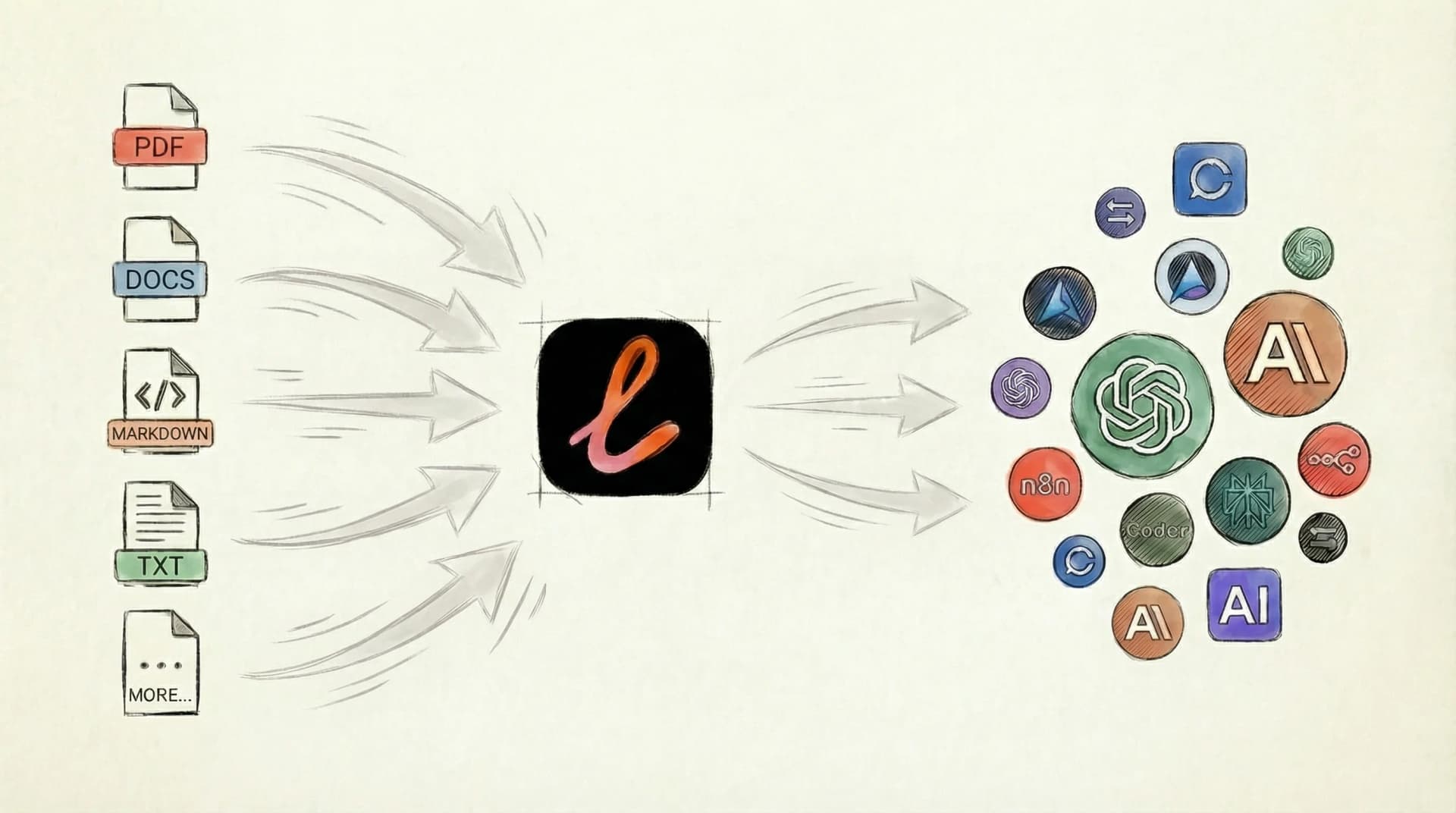
In our previous article, we introduced what Linkly AI is and what it can do. Today, we'd like to dive into the technical details: How exactly does Linkly AI achieve "local-first"?
This article is written for anyone interested in privacy and data security. We'll explain the technical concepts in accessible terms.
#How Do Your Documents Become "Knowledge"?
When you add a folder to Linkly AI's knowledge base, the application quietly performs four tasks in the background.
- Scanning: Linkly AI continuously monitors the folders you specify. New files are automatically discovered, modified files are reprocessed, and deleted files are removed from the index. All of this happens silently in the background—no manual intervention required.
- Parsing: Different document formats are like books written in different languages. Linkly AI needs to "translate" PDFs, Word documents, Markdown files, and other formats into a unified text format, while also extracting structural metadata like heading levels and page numbers.
- Chunking: A lengthy document can't be fed to an AI model all at once—it would consume the entire context window and scatter the model's attention. Linkly AI intelligently splits documents into semantic chunks, with each chunk maintaining a relatively complete unit of meaning.
- Indexing: Linkly AI stores each text chunk along with its metadata (such as source file and page number) in a local database. Think of it as building an "index" that allows you to quickly locate any information you need.
A lengthy document can't be fed to an AI model all at once—it would consume the entire context window and scatter the model's attention. Linkly AI intelligently splits documents into semantic chunks, with each chunk maintaining a relatively complete unit of meaning.
Step Four: Indexing
This is the most fascinating step. AI models convert each text segment into a series of numbers (technically called "vectors"), essentially assigning coordinates to each piece of text in a vast "meaning space." Text with similar meanings will have coordinates that are close together.
After completing these four steps, when you ask the AI a question, Linkly AI can quickly retrieve the most relevant passages and include source citations.
#Where Is the Data Stored?
The answer: entirely on your own computer.
Linkly AI uses a local database to store all information: document metadata, chunked text blocks, and the vector representation of each text block. No data is automatically uploaded to the cloud. This means your knowledge base continues to work even when you're offline (provided you use local AI models for retrieval and embedding).
#How Do Online AI Services Access Local Knowledge?
This is a great question. Online AI services like Claude.ai and ChatGPT.com run in the cloud—they can't directly "see" files on your computer. But often, we do need to use our local knowledge with these more powerful online AI services. Linkly AI solves this problem through an innovative "remote connector."
#How Remote Connection Works
Imagine this scenario: You're asking a question on Claude.ai, and Claude needs to query your knowledge base. Here's how it works:
- Claude.ai sends the query request to Linkly AI's relay server
- The relay server forwards the request through a secure "tunnel" to Linkly AI running on your computer
- Linkly AI searches your local knowledge base for relevant content
- The search results are returned back through the same path to Claude.ai
- Claude answers your question based on this information
This entire process typically completes seamlessly within a second or two.
#Is the Data Secure?
The key point: only retrieved snippets are sent to the online AI, not your complete documents.
Here's an analogy: It's like asking an assistant to research something for you. The assistant only sends a few relevant excerpts to the expert, not the entire filing cabinet. Specifically:
- What IS sent: Your question, text snippets relevant to the query (typically just a few thousand words), and source citation information
- What is NEVER sent: Your complete documents, your database files, or any content unrelated to your query
#Higher Security Options
If you have stricter security requirements, Linkly AI offers several solutions:
- Pure Local Mode: Use local models like Ollama, where all computation happens on your computer and data never leaves your machine. This is the highest security level.
- Self-Hosted Relay Service: We provide an open-source remote connector that you can deploy to your own Cloudflare account, giving you complete control over data flow.
#Why Choose Local-First?
In our article about why we built Linkly AI, we mentioned that most AI knowledge base products on the market require uploading data to the cloud, which deters many privacy-conscious users.
We chose a "local-first" design philosophy because we believe:
Your knowledge belongs to you. Whether it's work documents, study notes, or personal journals, these are knowledge assets you've accumulated over time. They should be stored somewhere you have complete control over.
Privacy shouldn't be a luxury. Protecting personal data shouldn't require a steep price or complex operations. Local storage is the simplest and most reliable way to protect privacy.
Flexibility matters. Some situations require complete offline access, while others need remote access. A local-first architecture lets you flexibly choose based on your actual needs.
#Summary
Linkly AI's local-first design ensures:
- Data Sovereignty: All original documents and knowledge base data are stored on your computer
- Controlled Connectivity: Remote access is optional—you can turn it off at any time
- Minimal Data Transfer: Even with remote connection enabled, only query-relevant snippets are transmitted
- Multiple Security Tiers: From pure local to self-hosted relay, meeting various security requirements
If you haven't tried Linkly AI yet, visit linkly.ai to download and experience it. For any questions, feel free to check our documentation or join the community discussion.